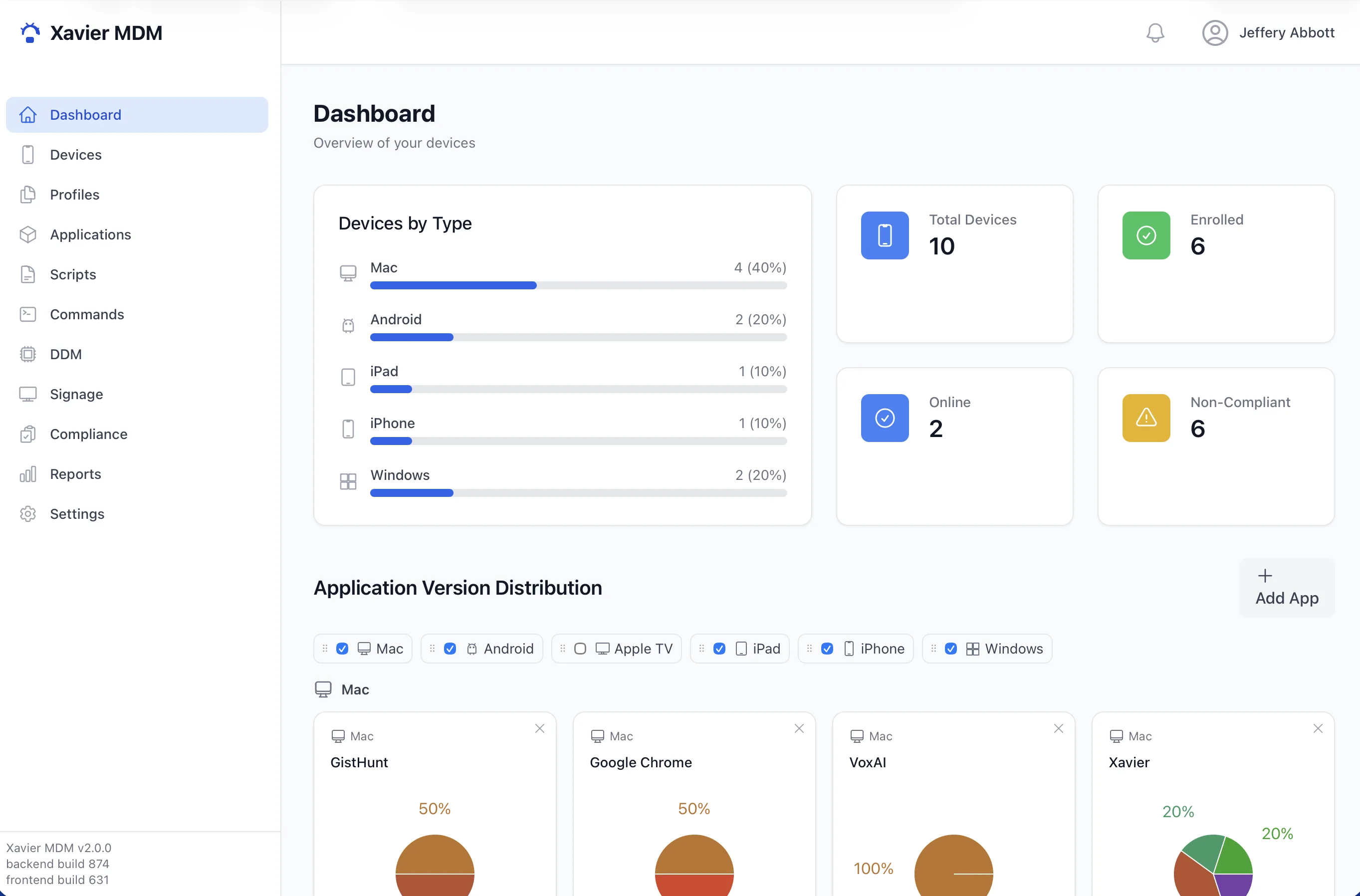
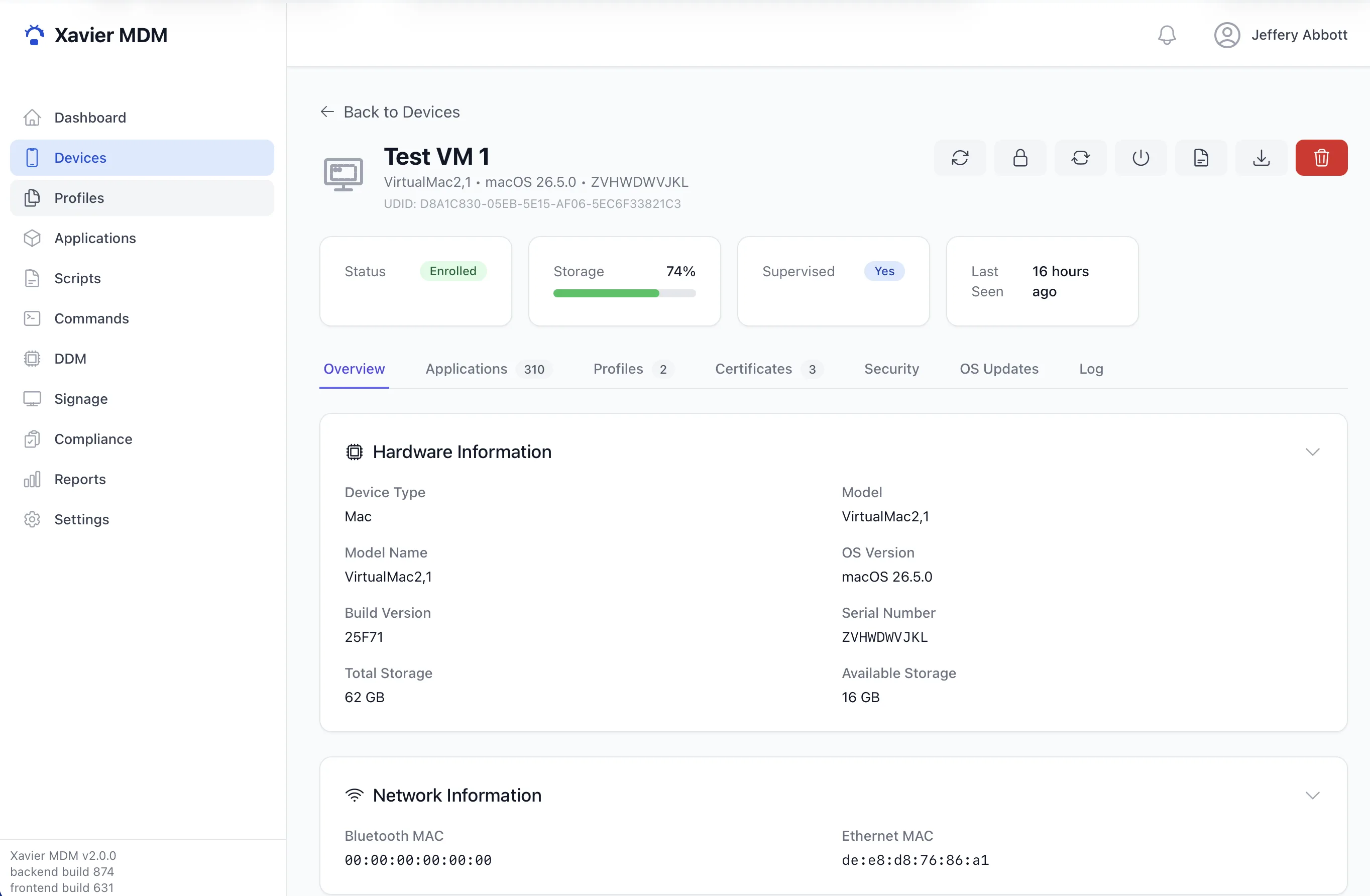
Xavier enrolls, configures, secures, and monitors Mac, iPhone, iPad, Apple TV, Android, and Windows devices, all from a single admin console built on each platform's native management protocol.
Manages
Xavier speaks each platform's native management protocol, so you can enroll, configure, and secure your whole fleet from a single console.
The full Apple MDM protocol: Automated Device Enrollment, supervision, Declarative Device Management, configuration profiles, and volume app licensing.
A standalone Device Owner agent provisioned by QR code, with no Google account required and full policy control over the device.
Enroll and manage Windows devices over the native OMA-DM protocol, with configuration, inventory, and remote commands from the same console.
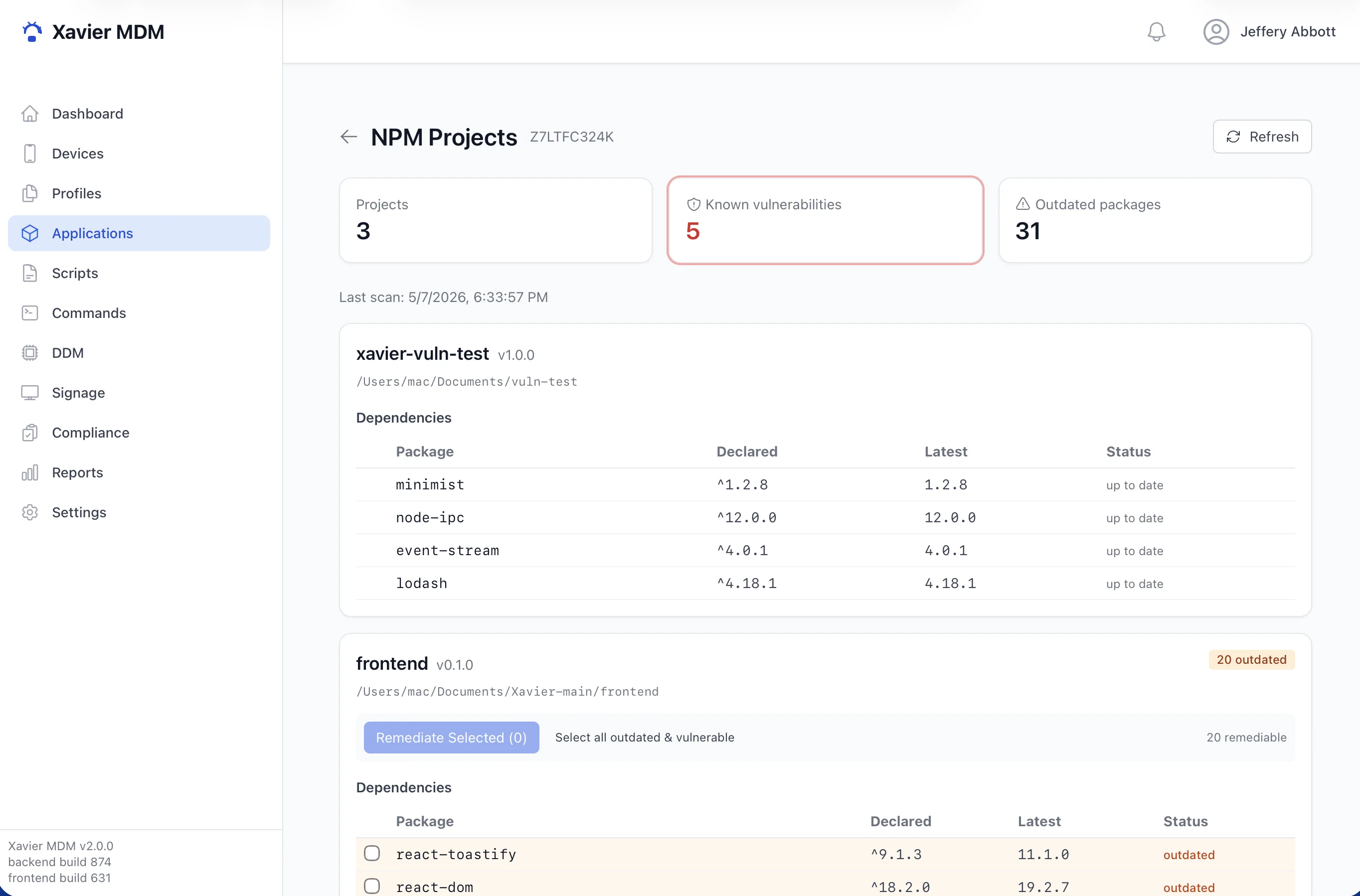
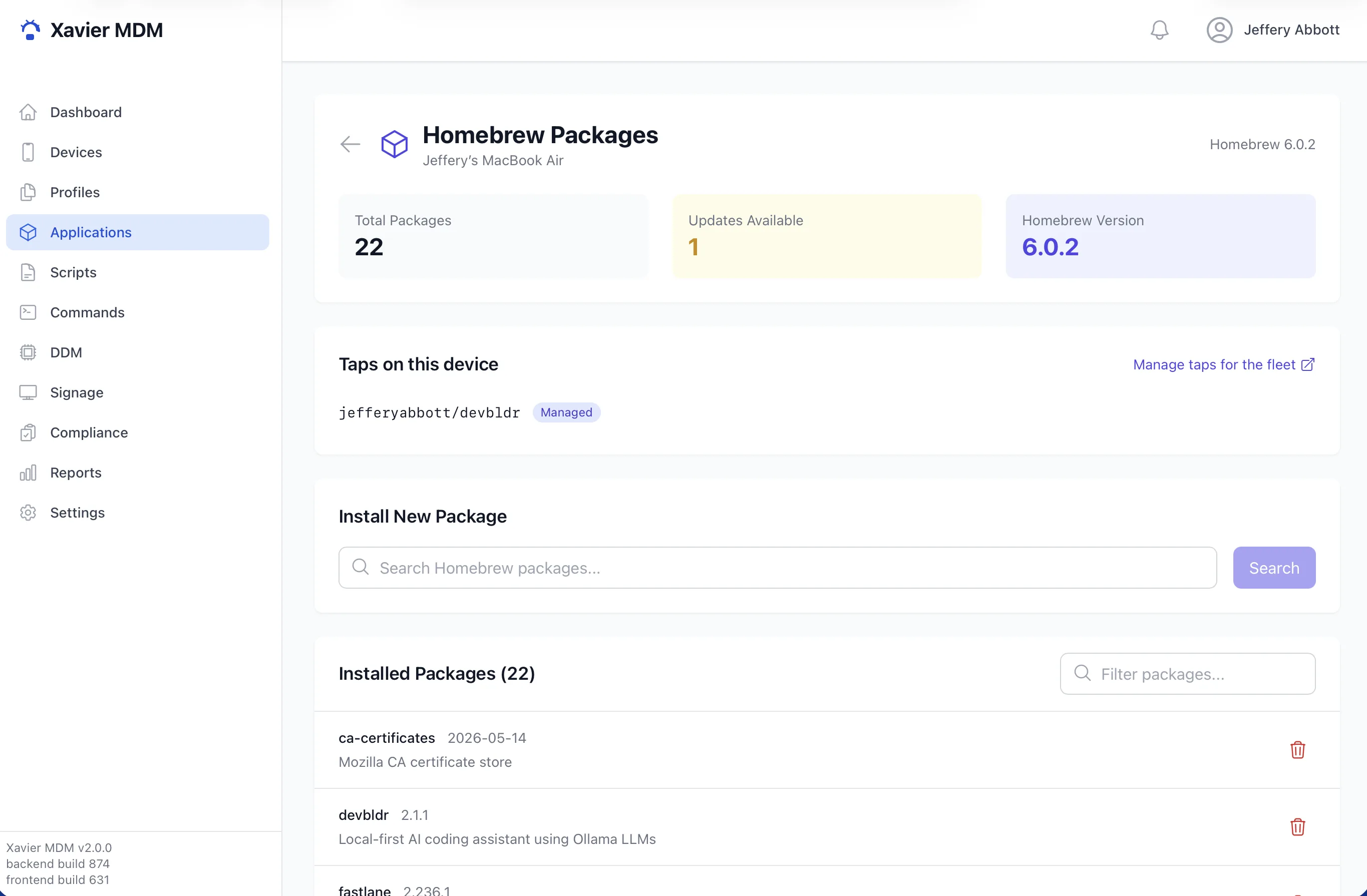
Xavier manages packages across Homebrew, npm, Python pip, and Ruby Gems on every Mac in your fleet. See exactly what is installed, push installs and updates, and keep software current from one console, because outdated packages are a security problem.
Devices configure themselves out of the box: Automated Device Enrollment for Apple, QR provisioning for Android Device Owner, and guided enrollment for Windows. Users power on and get to work already secured to policy.
Push Wi-Fi, VPN, restrictions, and FileVault settings with a visual profile builder, plus modern Declarative Device Management.
Deploy App Store and volume-purchased apps and push custom packages to devices, all remotely.
A lightweight menu bar app reports inventory, security state, and installed packages in real time. It runs without root by default, with an optional root agent only when privileged tasks need it.
Lock, wipe, restart, install, and inventory on demand. Commands stream to devices and report back their results.
See which devices meet your policies at a glance. Compliance and activity reports surface drift before it becomes a problem.
Turn managed iPads, Apple TVs, and Android tablets into signage displays, pushing content and schedules to screens from the same console you use for everything else.
From a device powering on for the first time to ongoing day-to-day management, Xavier handles the full lifecycle.
A device enrolls through Automated Device Enrollment, a QR code, or a profile. Xavier issues its identity certificate and registers it.
Profiles, restrictions, and apps deploy automatically, so the device reaches the user already set up to policy.
Encryption turns on, keys are escrowed, and posture checks confirm the device meets your security baseline.
Devices report inventory and security status on a schedule. You watch compliance, run commands, and push changes as needed.