Puppies, attack dogs and Megaphone
A puppy video, a step ladder and one unlucky autoplay led to my first real app. Ten years later, Megaphone puts digital signage into Xavier, and it’s free on the App Store.
Before I ever wrote a line of code, I made my living as a musician. I was the organist and choir director at churches in Pittsburgh and Erie, Pennsylvania, and later in Sacramento, Menlo Park and San Francisco, California. For years I also played bassoon and French horn in orchestras and concert bands across Pennsylvania, California and Hawaii.
Then Apple opened the App Store for iPhone, and like a lot of dreamers, I wanted to make my own apps. I started learning Java at the Community College of Allegheny County in Pittsburgh, and kept going with computer science courses at City College of San Francisco, De Anza College in Cupertino and UC Berkeley Extension.
The side door
It turns out that getting hired as a software engineer is hard, especially when your résumé is mostly church jobs and orchestra concerts. So I came in through a side door: the IT help desk. I started out as an IT contractor at Oracle, and later found myself doing the same job at Quora. Quora is where I got my first real taste of being a software engineer, even though nobody had hired me to be one.
Puppies, please
It was November 2016, the day after a certain presidential election, and the mood in the office was grim. I had a mountain of work in front of me when our facilities manager came over with a request: we needed to lift people’s spirits.
Around the office, eight or nine Mac minis were hooked up to big TVs. In theory they were digital signage. In practice, they showed the company logo all day long. He handed me a link to a YouTube video of puppies and asked me to put it on every screen.
It wasn’t a bad idea. My only thought was, “How am I going to get anything else done today?” Those Mac minis weren’t really managed. Some weren’t even on Wi-Fi. So I grabbed a small step ladder, a wired keyboard and a wired mouse, and went from TV to TV, getting each Mac mini online and starting the video. A couple of hours later, every screen in the office was full of puppies.
Back at my desk, I opened Apple Remote Desktop on my iMac and connected to all of them, just to see their screens. As if losing two hours wasn’t bad enough, the first few I’d set up had already finished the puppy video, and YouTube had helpfully moved on to the next one. I’m not joking: it was called “World’s Most Ferocious Dogs,” and it was wall-to-wall attack dogs baring their teeth.
Here’s how that morning went.
Q-Cast
That mayhem led to the first truly useful app I ever wrote. I called it Q-Cast. It was a Mac app, written in Swift, that showed a detailed floor plan of the office with every Mac mini on it, by name and by location. You picked one, a few or all of them, typed in a URL, and each one opened it in Safari, full screen. You could even set the volume.
I was so proud of that app. There’s nothing quite like the feeling of building something that solves a real problem. Chances are, I was the only person who ever used it. I left the app and its documentation behind when I left Quora, but I doubt anyone ever opened it again.
Q-Cast looked something like this. I can’t show you the real app: its floor plan was a real office, so it’s not mine to share, and I no longer have a copy anyway. The office below is made up, but the attack dogs are right where I left them. Pick screens on the floor plan, type a URL, set the volume and cast.
Megaphone
Which brings me to today, and why I’m so happy to announce Megaphone. Megaphone is Xavier’s built-in digital signage app. It turns the screens you already have into signs, and lets you send them text, images and video.
Megaphone is available today for Mac and iPad. The Apple TV version is waiting on App Store review, and may well be out by the time you read this. An Android tablet version is coming later.
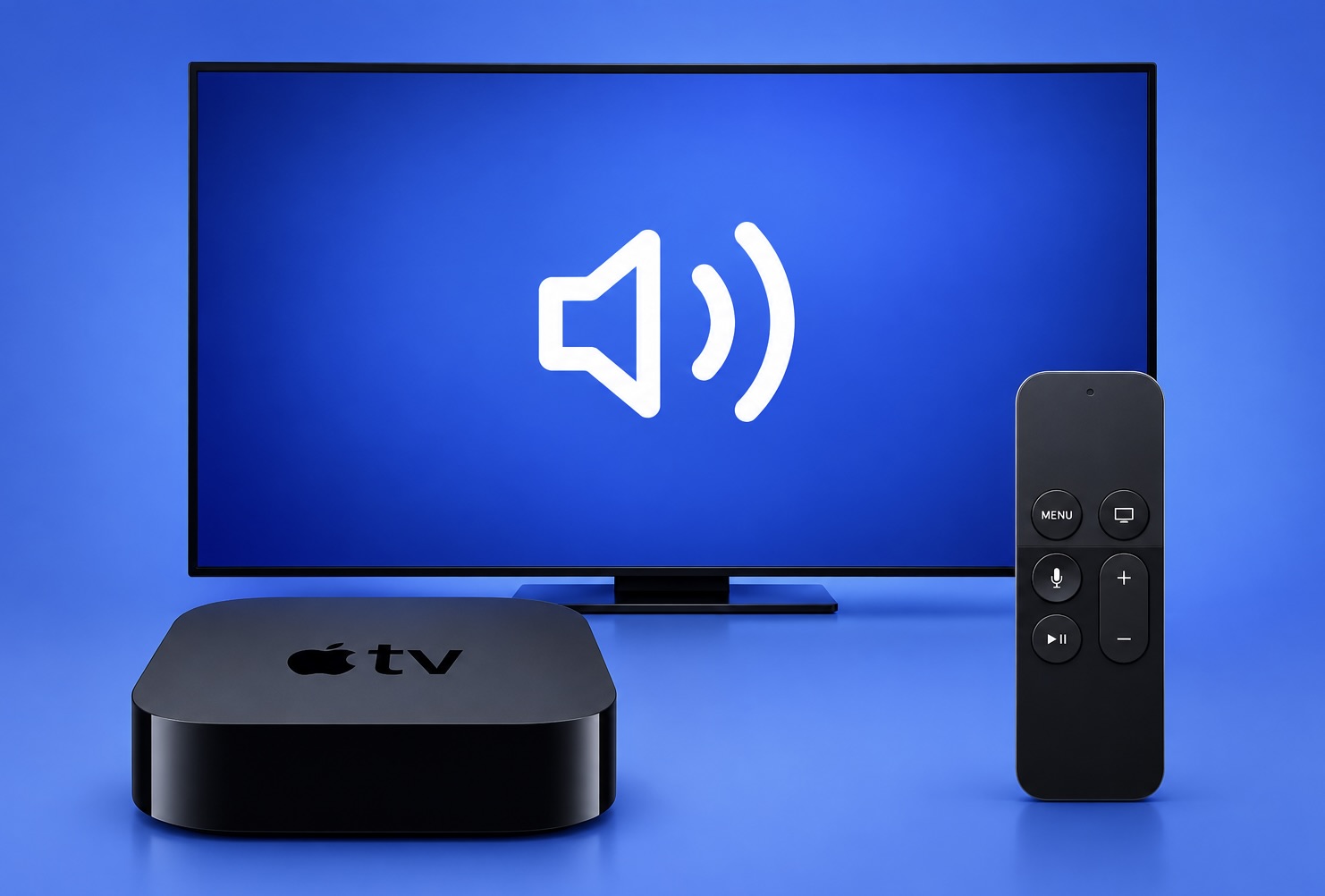
Of everything Megaphone runs on, the Apple TV is my favorite, and I think it’s a brilliant digital sign. If I could go back to 2016, every one of those Mac minis would be an Apple TV. It costs a fraction of what a Mac mini does, it’s built to sit behind a TV and run one app all day, and it’s much harder to tamper with. There’s no desktop to poke around in, and it only runs apps from the App Store. Plug it into a screen, open Megaphone, and you have a sign.
On one network, it takes about as long as reading this paragraph. Turn on hosting in Megaphone on your Mac. Open Megaphone on an iPad or Apple TV on the same Wi-Fi, and it finds your Mac and shows a code. Type that code on the Mac, so only a screen you can actually see gets connected. Then send whatever you like to one display or several. No step ladder required.
Free, even if you never use Xavier
Here’s the best part: you don’t have to be an Xavier customer to use Megaphone. It’s free on the App Store, and it runs up to three displays on your local network. There’s no account to create, and nothing leaves your network.
If you are an Xavier customer, there’s no limit, and your screens can be anywhere in the world. Xavier installs Megaphone and pairs each screen for you. You manage them all from the web, with a media library, groups of screens, an idle screen for when there’s nothing else to show, a history of what showed where and when, and an alert when a screen goes quiet. And because every sign is a managed device, it gets the same compliance checks, commands and app updates as everything else in your fleet.
Try adding screens below, then see what happens at number four.
For every facilities manager with a link
Somewhere out there is a facilities manager with a link to a puppy video and a building full of TVs. Megaphone is for you, and for whoever you were about to send up a step ladder. And for the record, Megaphone plays the video you send it, loops it if you ask, and never picks the next one for you.
You can read more on the Megaphone page, get the free app from the App Store for Mac and iPad, or start a Xavier trial to put a sign on every screen you own, in every building.